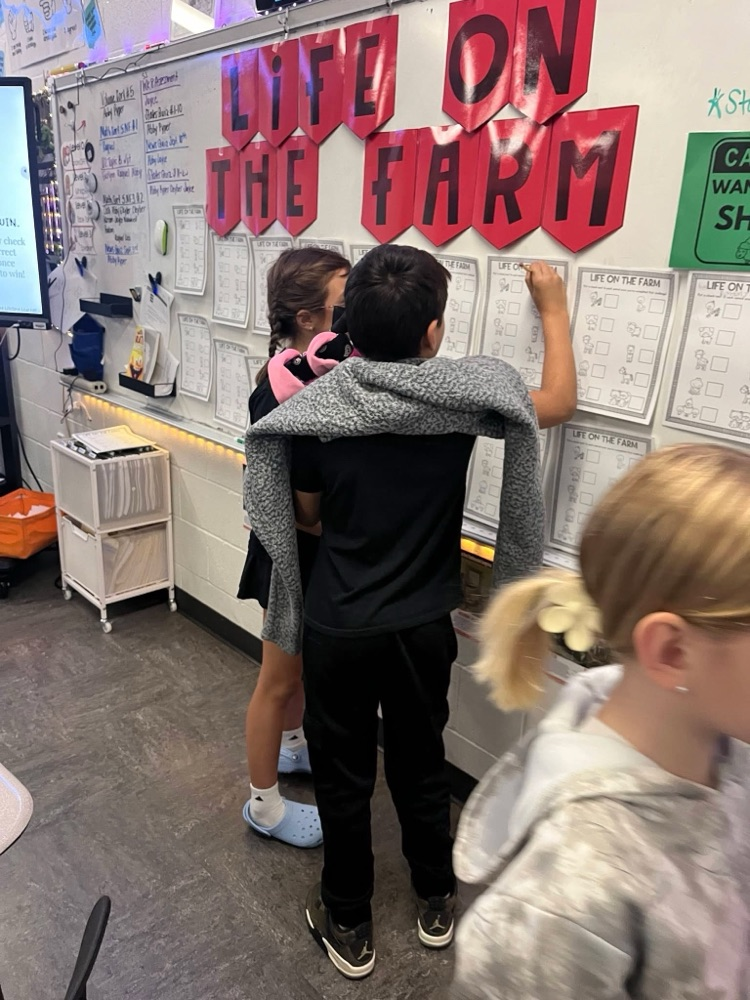
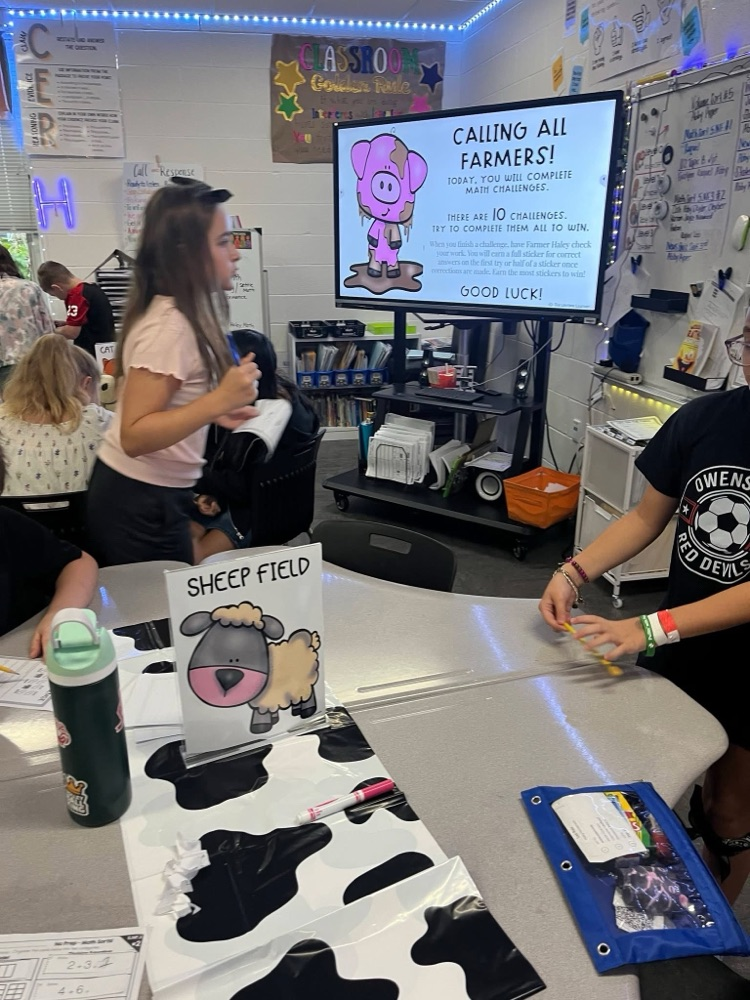
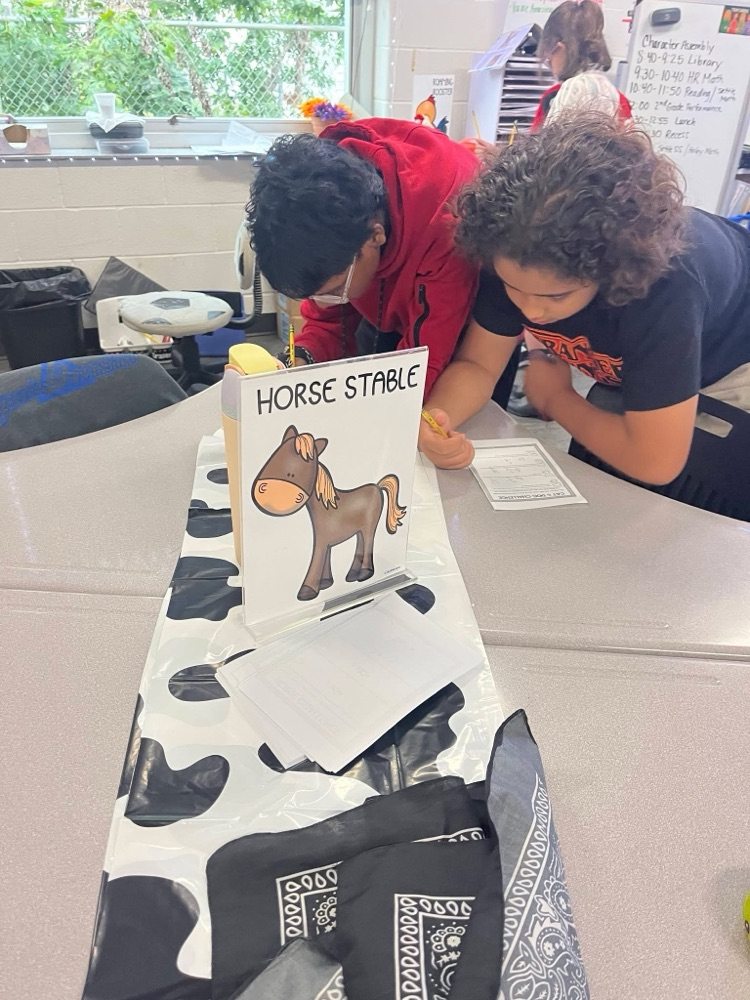
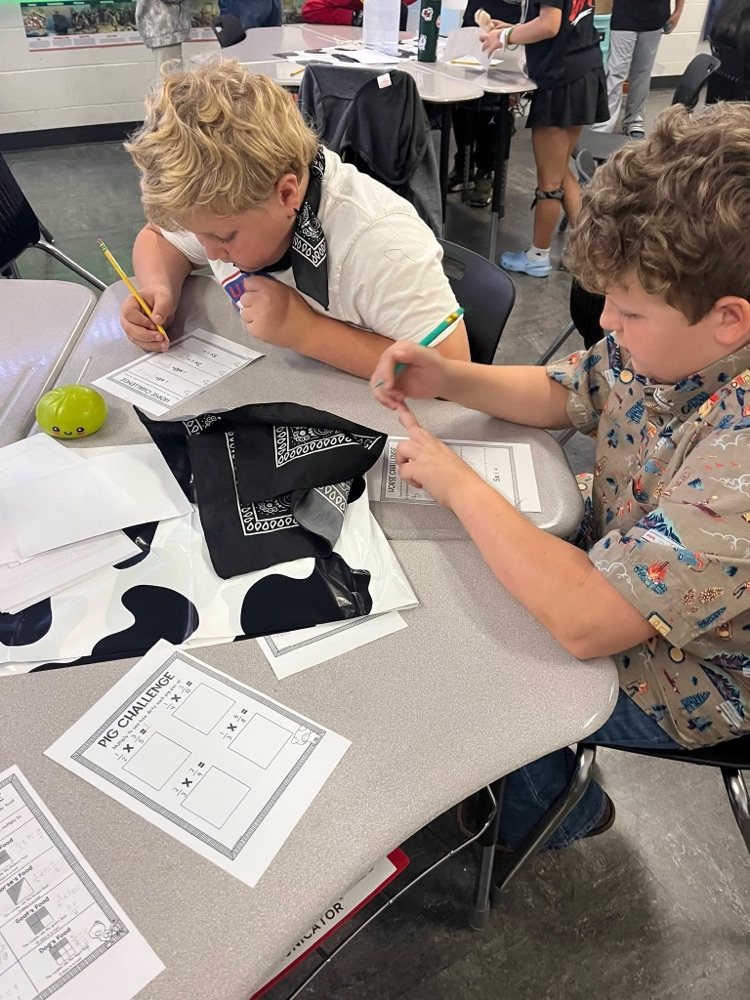
🌱✨ Vibrant Learning in Action! ✨🌱
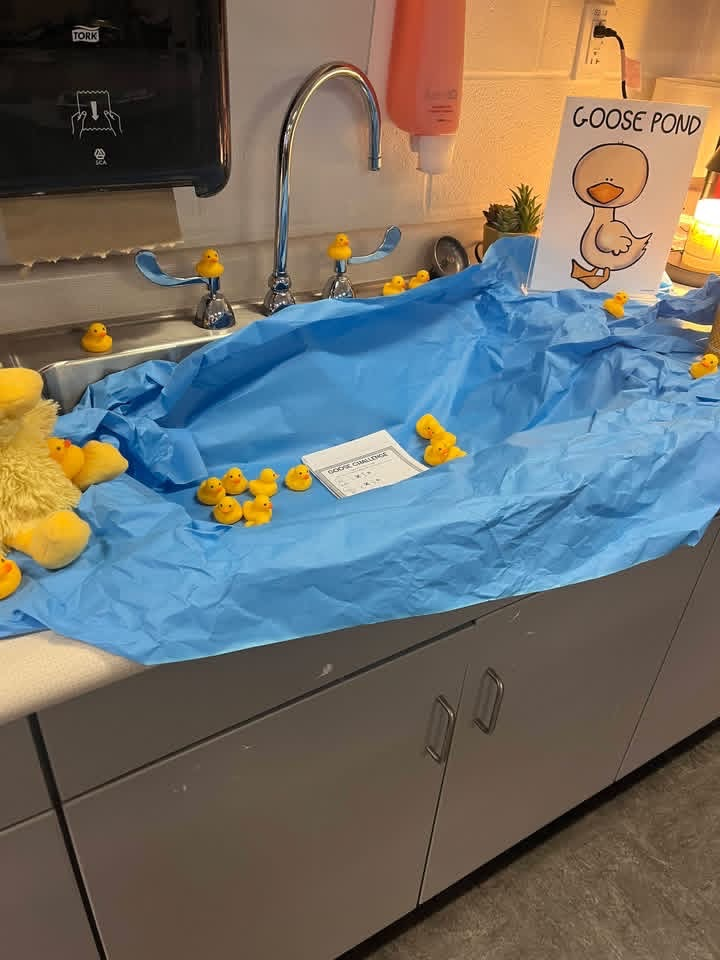
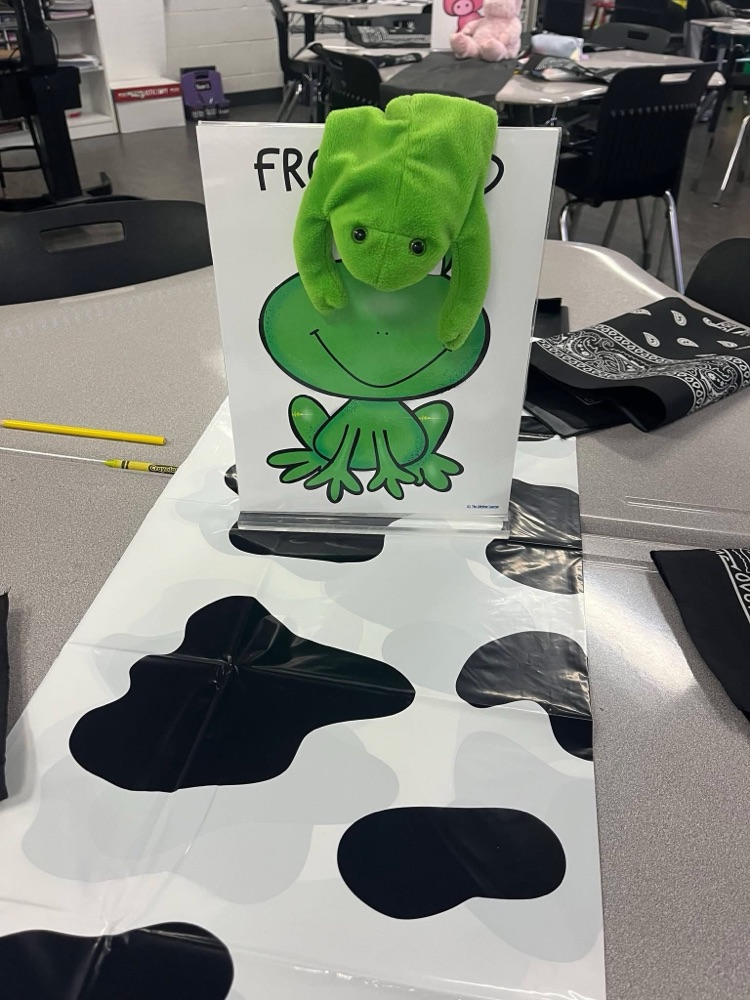
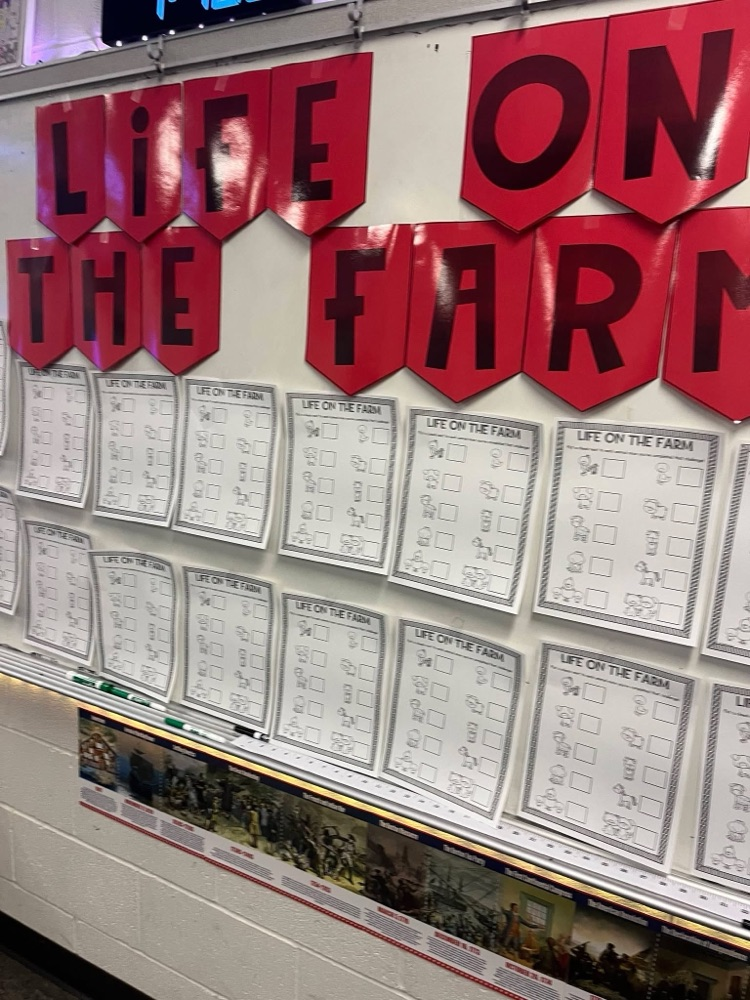
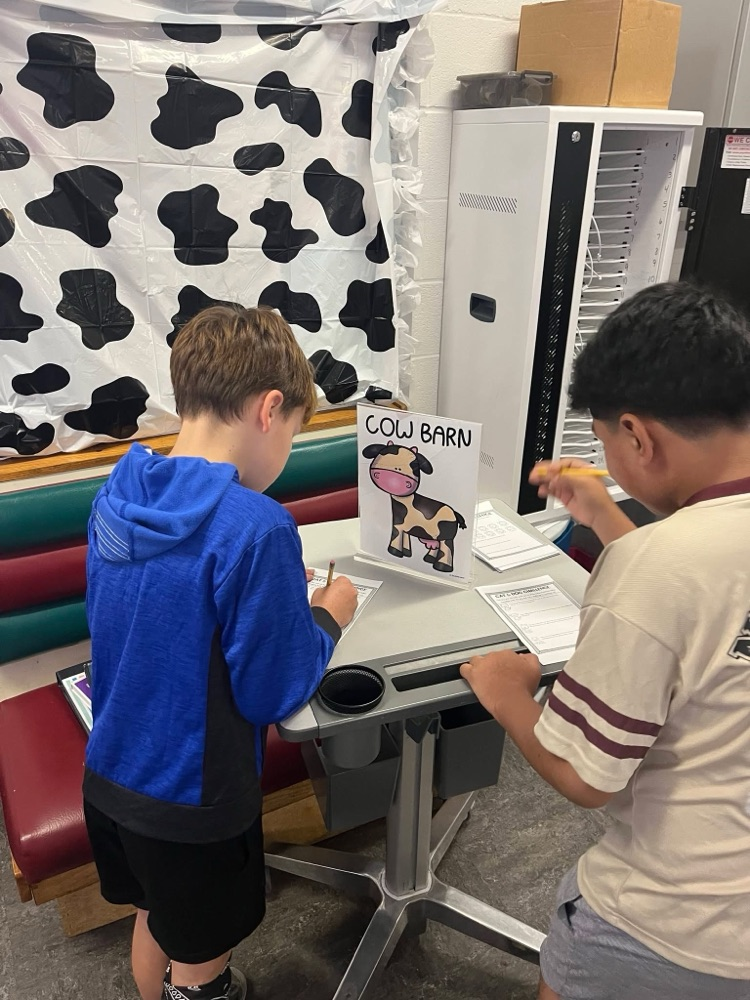
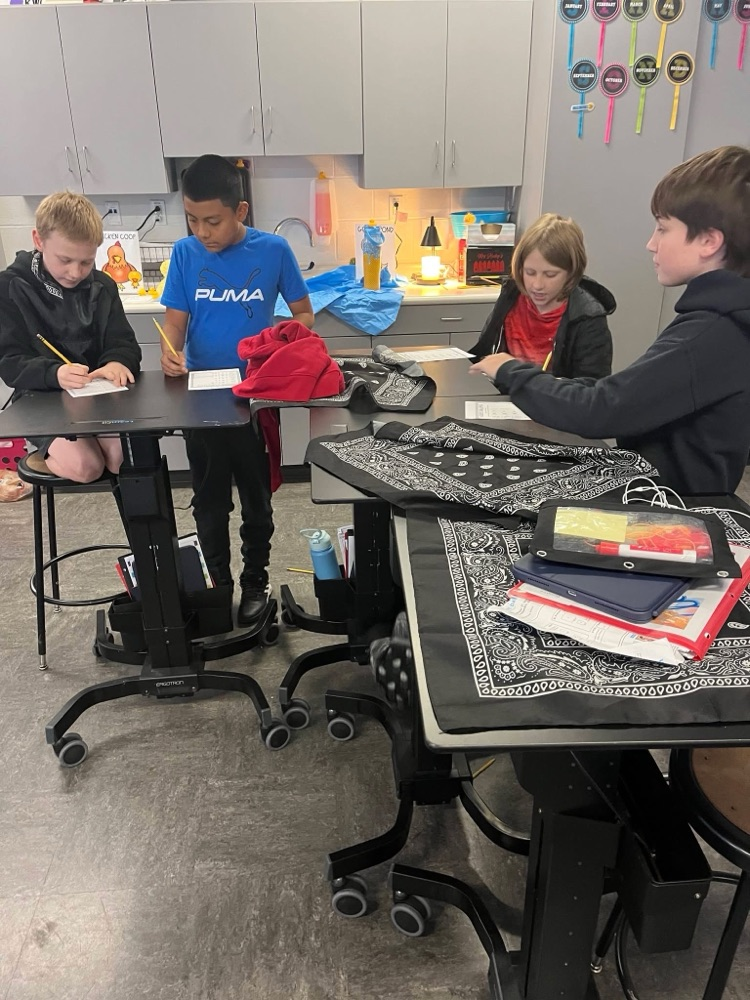
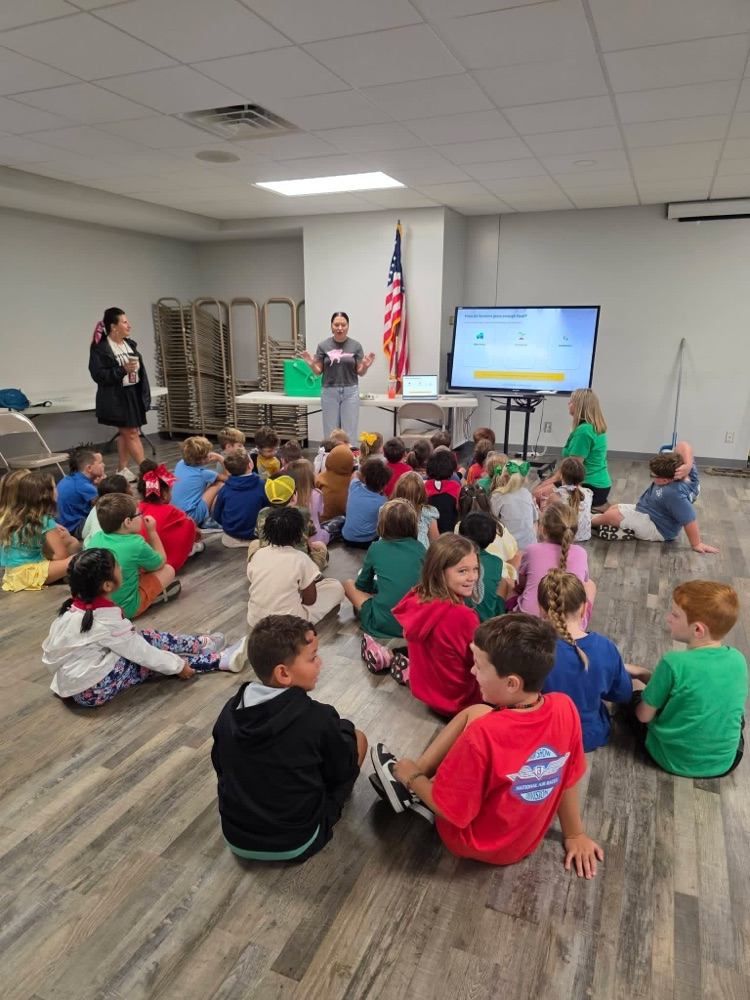
5th graders reviewed multiplying fractions through a fun and engaging Farm Transformation activity! 🐄🌾🚜
about 1 month ago, Sutton Elementary
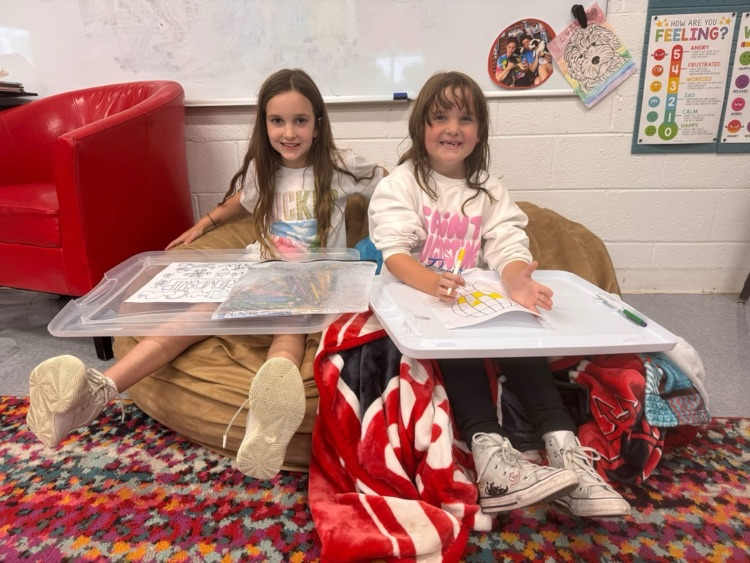
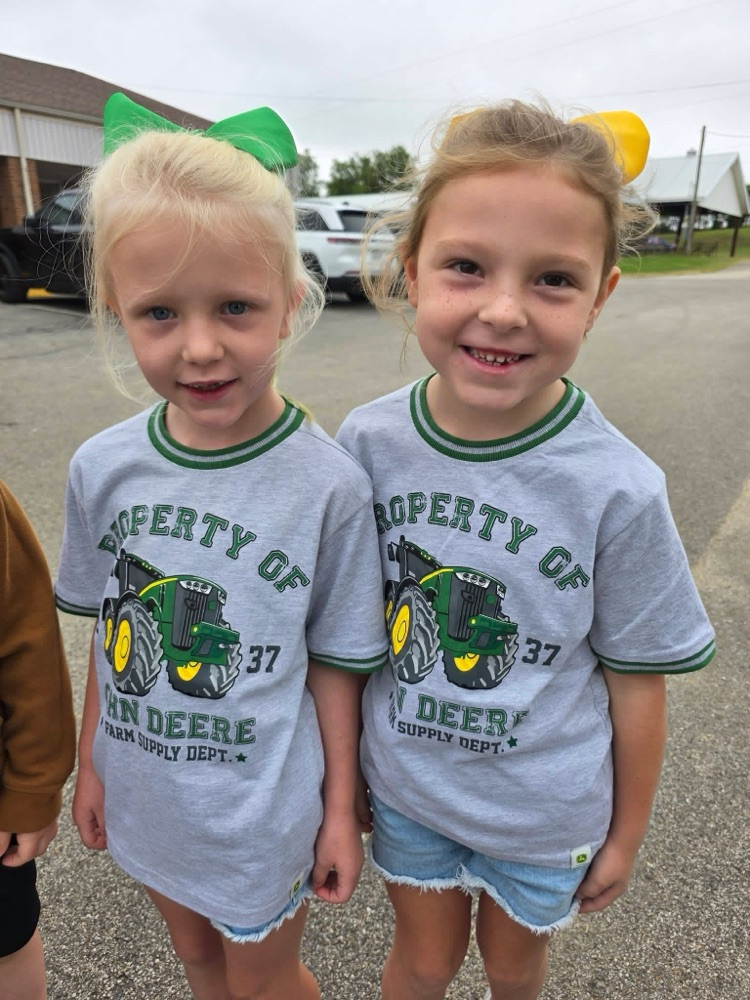
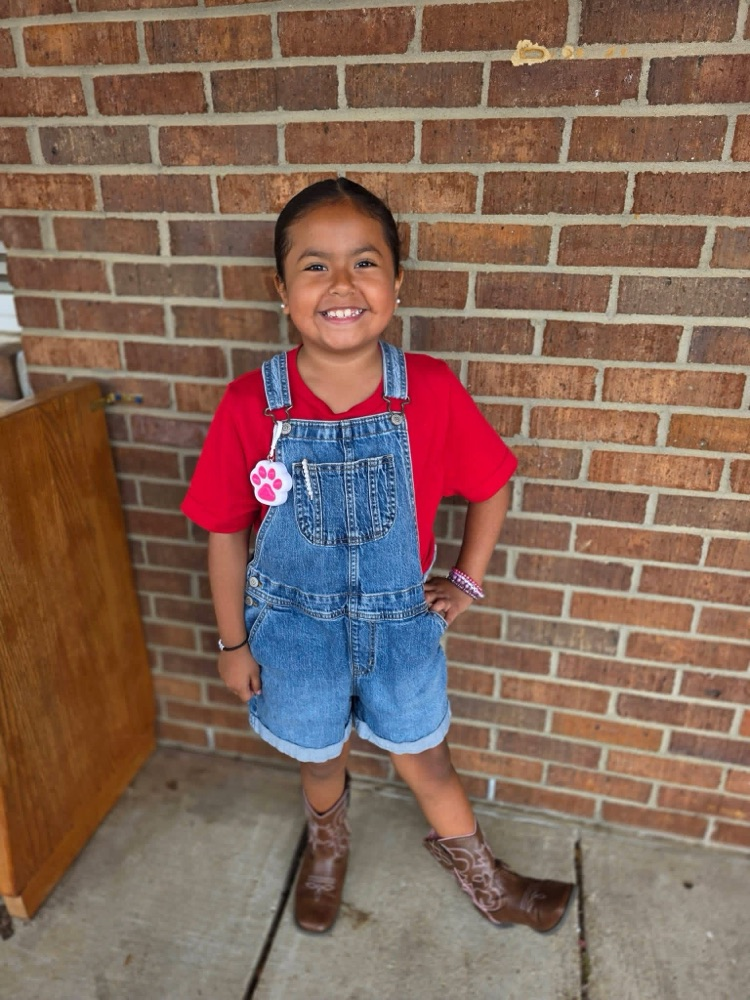
I spot some Character Leaders! Friendship and Creativity all in one:)
about 1 month ago, Sutton Elementary
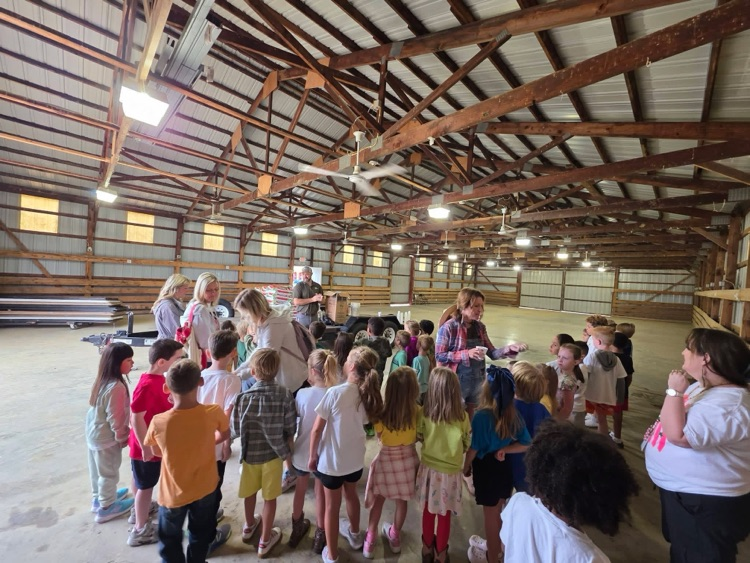
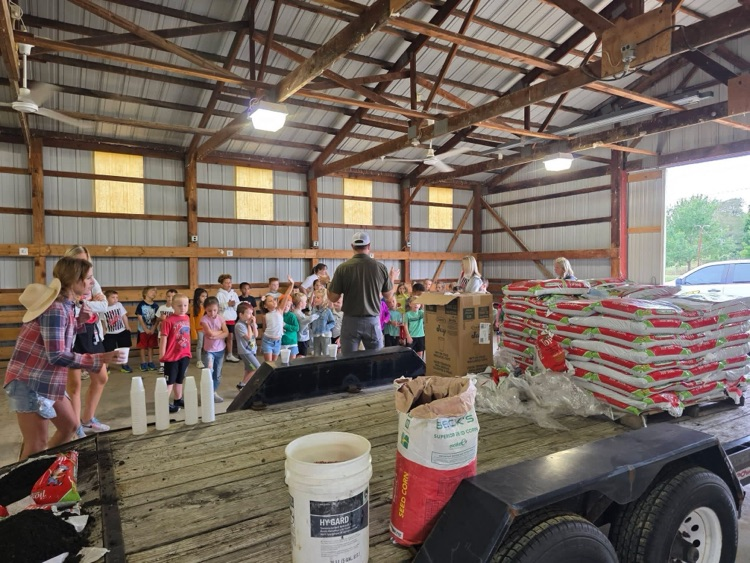
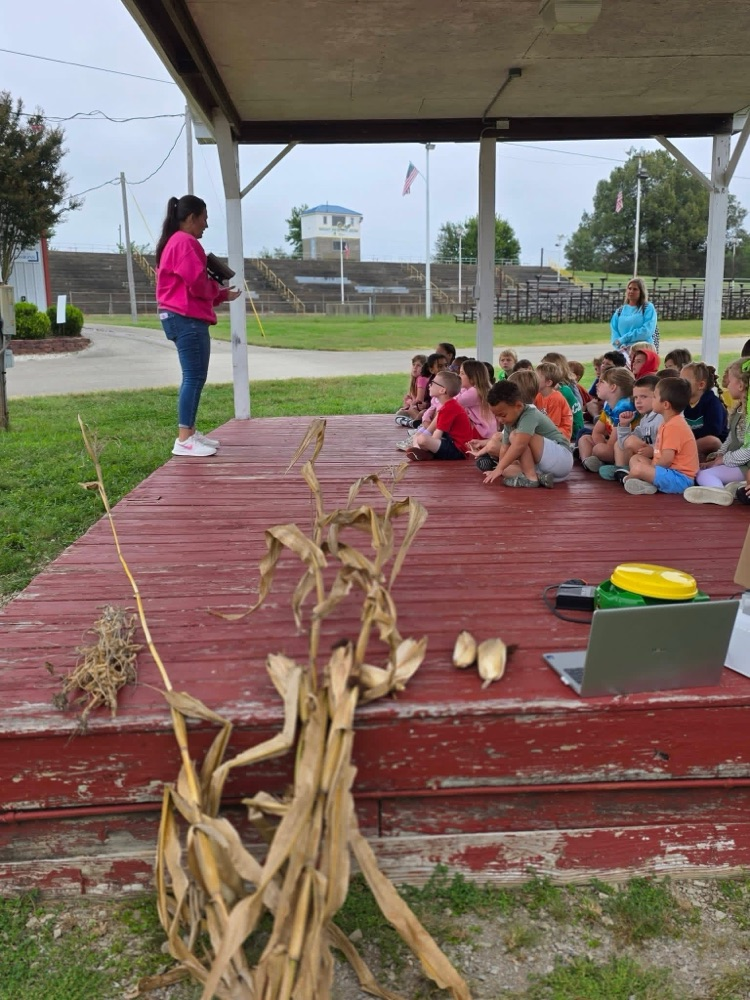
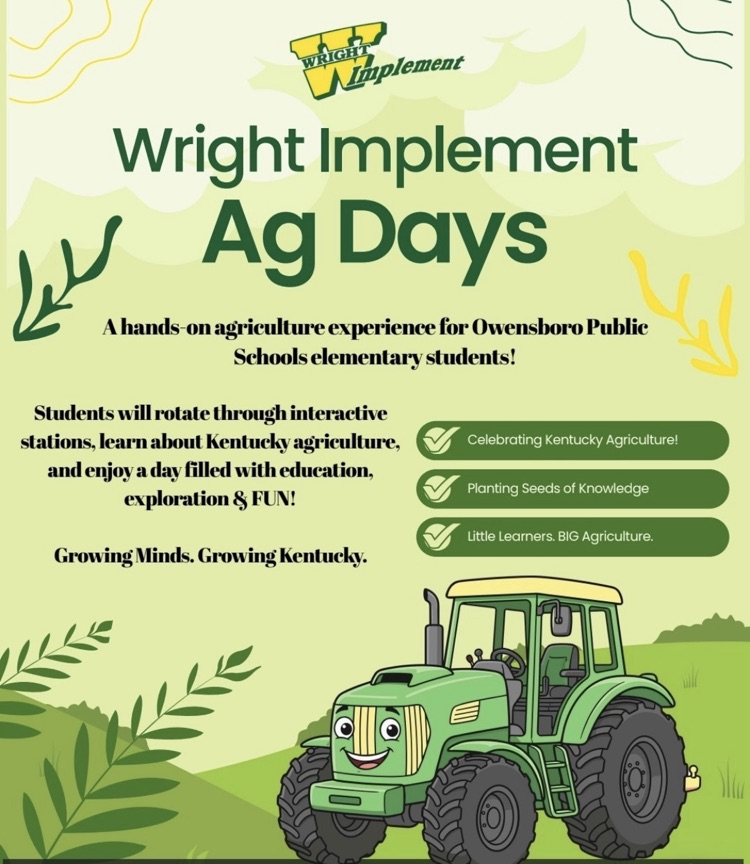
A big thank-you to Wright Implement for giving our K–5 students a vibrant, hands-on learning experience during Agricultural Day at the Daviess County Fairgrounds! We’re grateful for the opportunity for our students to learn more about agriculture and our local community. 🤠🚜🌾
about 1 month ago, Sutton Elementary
OPS Parents, join us this Friday for the first of four Coffee & Chat with District Admins at Red Swing Coffee on Parrish Avenue. The event will run from 7:30-8:30 that morning and will be an opportunity to connect with district decision makers and share your thoughts with us about our district. And the coffee is on us! We hope to see you there!
about 1 month ago, Owensboro Public Schools
Don't forget to RSVP for TNT Movie Night! We hope to see all our friends there.
about 1 month ago, Kristin Tines, School Counselor
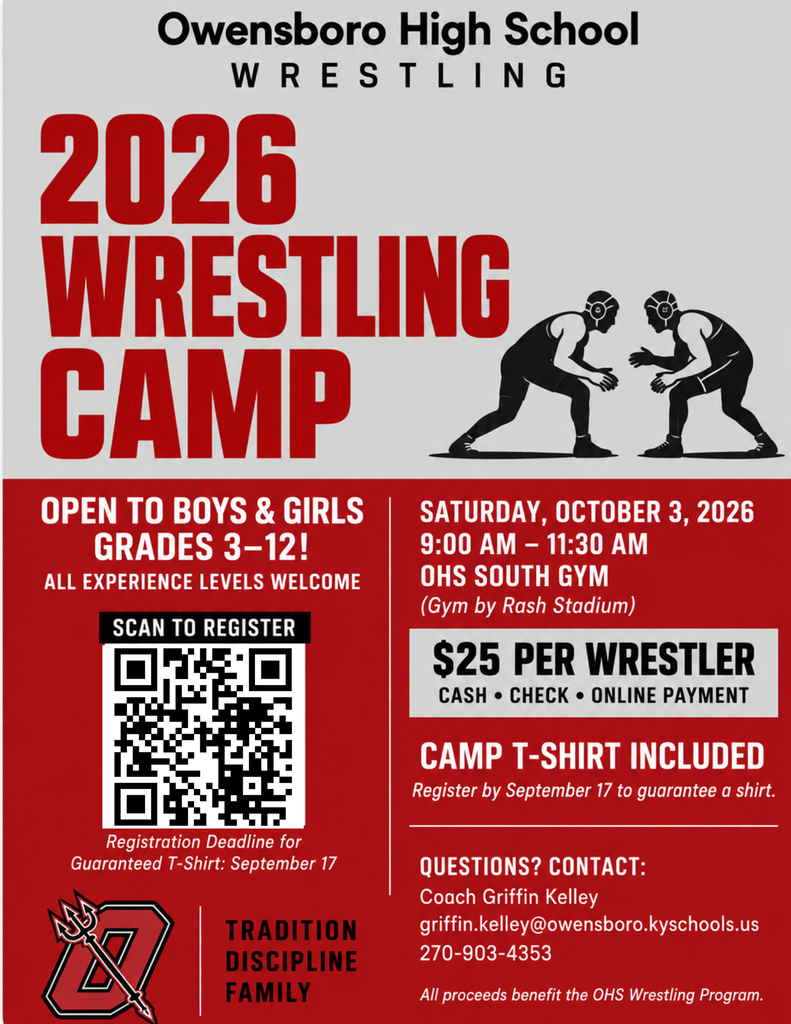
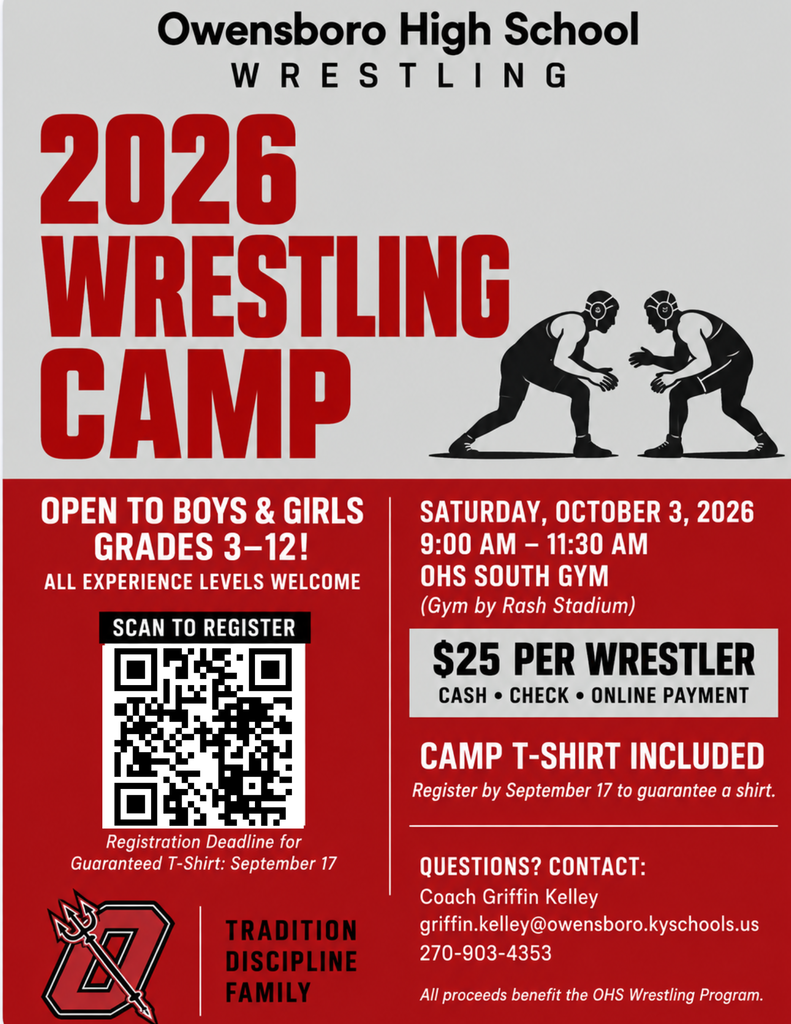
OHS Wrestling Camp Information Attached!
about 1 month ago, Sutton Elementary
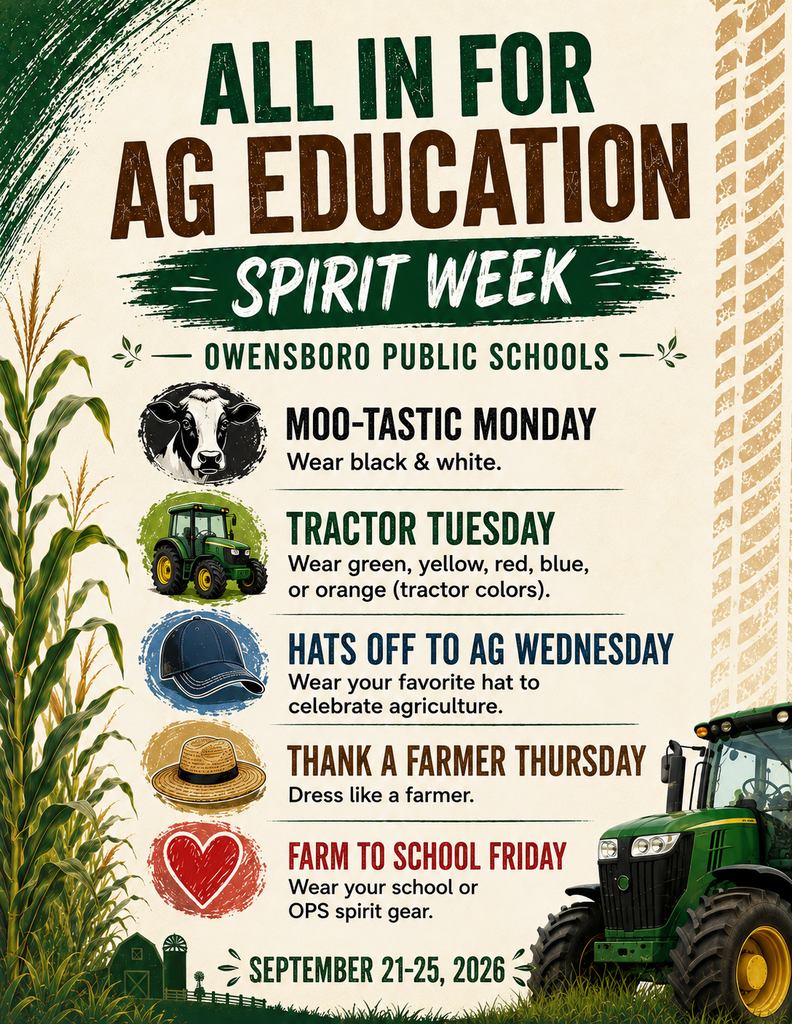
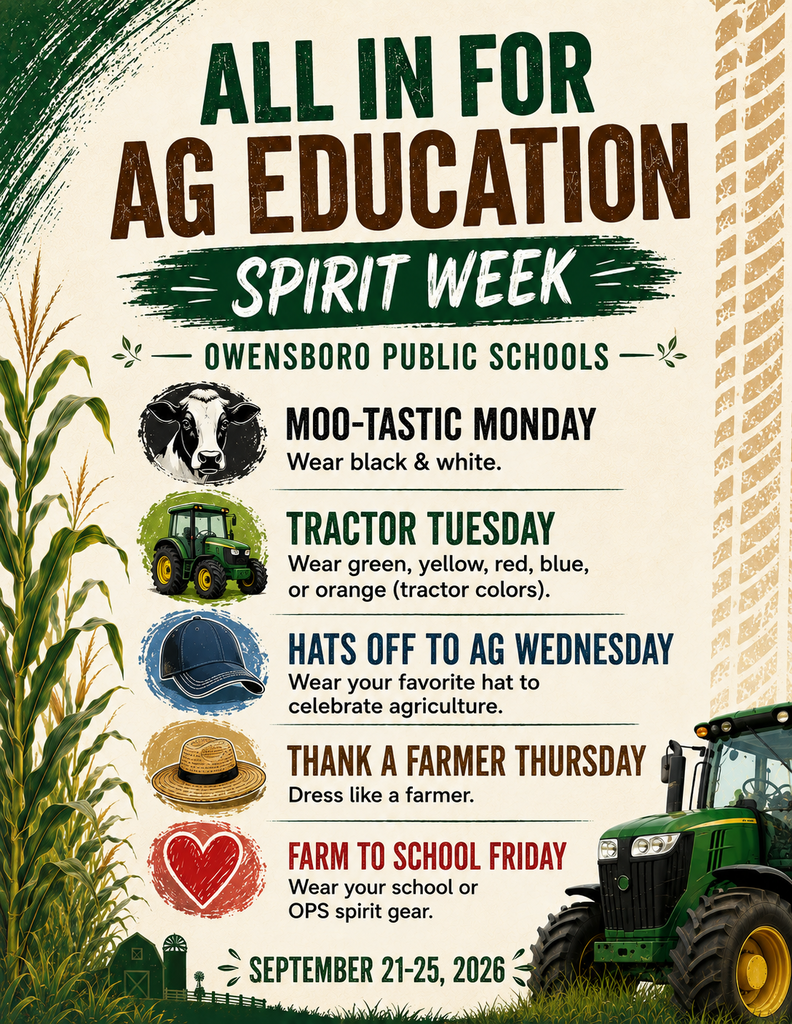
Next week is Ag Week across the state of Kentucky and OPS is getting in on the fun! We have activities planned for all of our students throughout the week and each day has a different theme! We encourage you to participate in our "All in for Ag" Spirit Week next week! We look forward to seeing everyone's creativity throughout the week!
about 1 month ago, Owensboro Public Schools
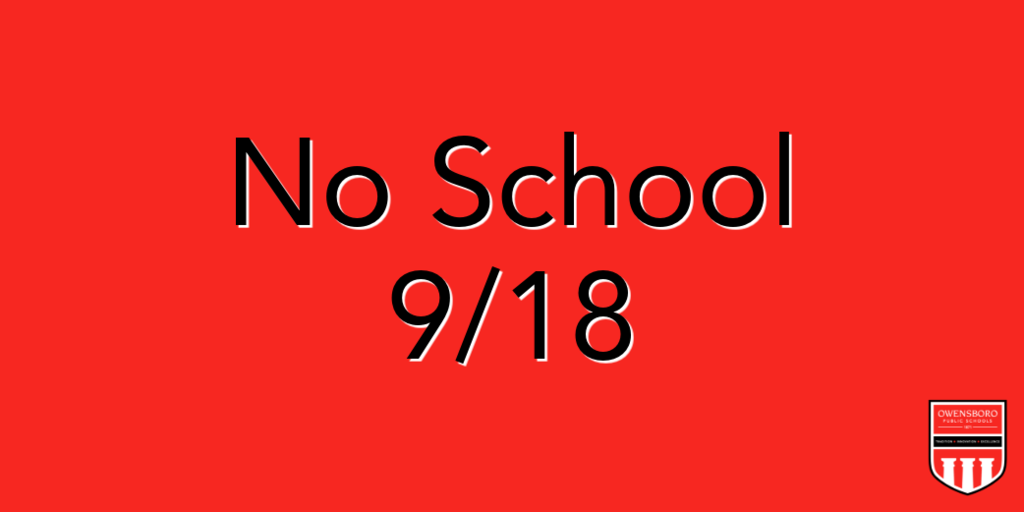
REMINDER: Owensboro Public Schools will not be in session tomorrow, Friday, September 18 for a teacher professional development day. We will see our students back in class on Monday, September 21 as we kick off Ag Week 2026!
about 1 month ago, Owensboro Public Schools
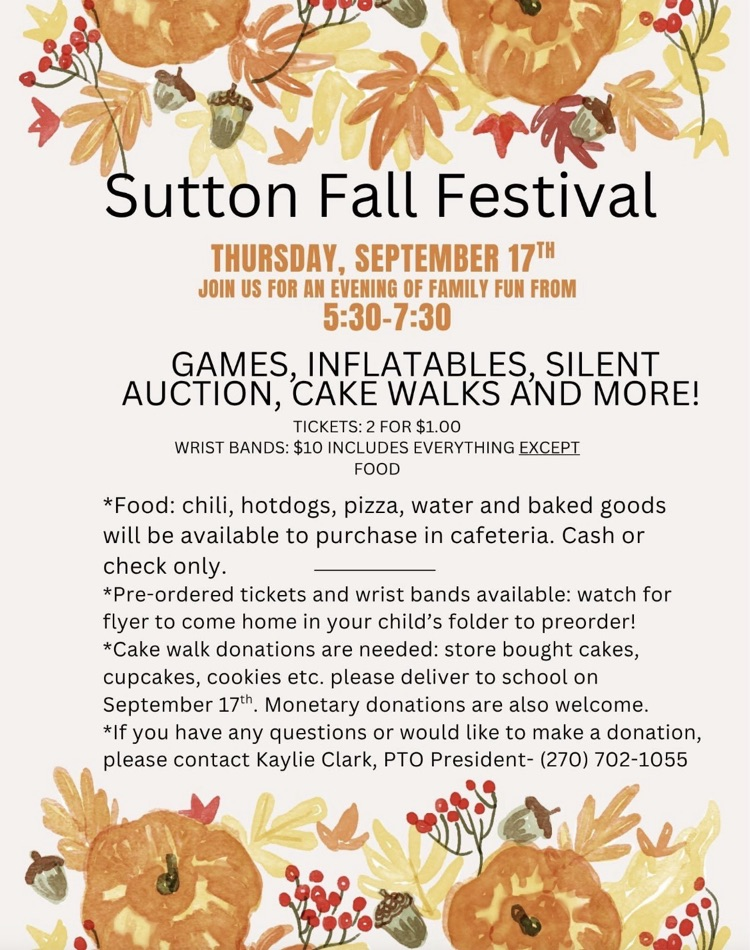
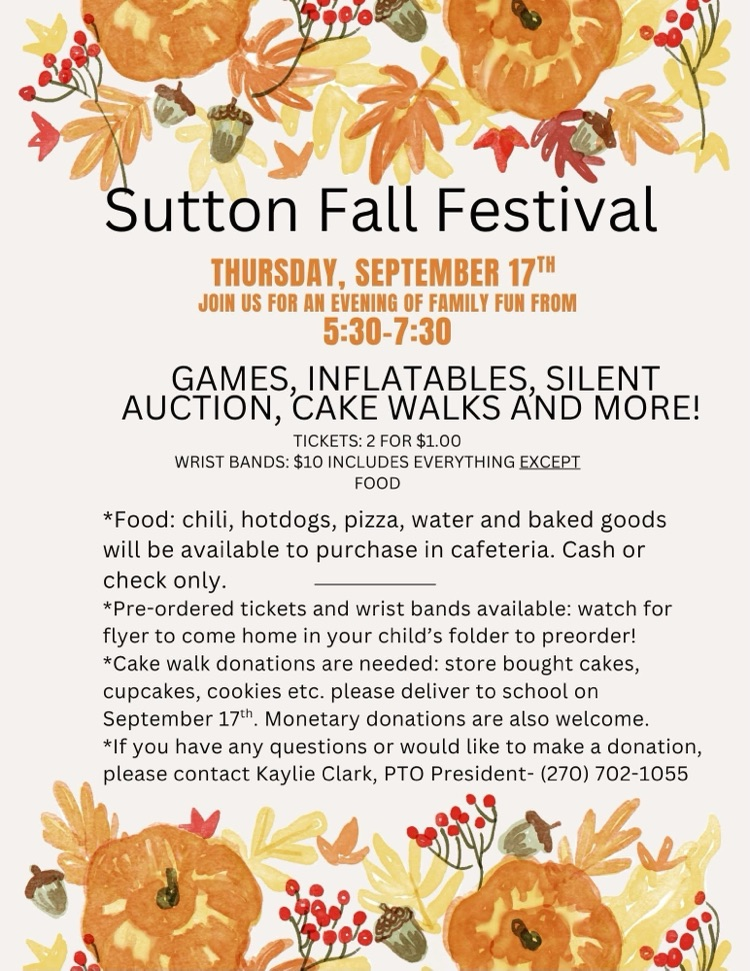
Don't forget, our Fall Festival is tomorrow night at 5:30! Plenty of games, activities, face painting, and your favorite Assistant Principal may be in a dunk tank for the first hour.
There will be no after school program in order to set up so please remember to make that change/exception in School Dismissal Manager so we know how your child will be getting home.
See you all there!
about 1 month ago, Sutton Elementary
One more message today related to Ag week next week. Sutton (and other schools throughout the week) will be heading to the Daviess County fairgrounds on Tuesday, September 22nd for a unique and fun experience in celebration of Ag week. See attached flier. K-2 will go together in the morning followed by 3-5th grades after that. There is no cost. It's brought to us by Wright Implement!
about 1 month ago, Sutton Elementary
Just to piggyback that last message. We also realize that Monday is Fall Picture day. If you would rather not dress in black and white that day for Picture Day then that is perfectly ok!
about 1 month ago, Sutton Elementary
Ag week is next week! Check out the dress up days for each day!
about 1 month ago, Sutton Elementary
Parents of Students Grades 3-12 interested in Wrestling:
Please join us for our Wrestling skills camp. The camp will be held on Saturday, October 3, from 9:00–11:30 AM at the OHS South Gym (gym by Rash Stadium). It is open to boys and girls in grades 3–12, all experience levels are welcome, and the cost is $25 per wrestler.
If possible, could you send the attached flyer and camp information out to families across the district, particularly our elementary, middle, and high school families?
Registration:
https://bit.ly/4cMlCLCRegister by September 17 to guarantee a camp T-shirt.
about 1 month ago, Owensboro Public Schools
Additional Calendar Update:
Tomorrow (Tuesday, September 15th) during lunch shifts, a representative from Cub Scouts will be at Sutton to speak to students about their program. There will also be some brochure-style information sent home to parents and families.
Then on Wednesday Night (September 16th), that representative will be at Sutton for a Cub Scout Parent Information Night. This will take place in our gym at 6pm. We welcome any parent that's interested!
Both of these events have been added to the Sutton calendar and "Events" tab on your Sutton/OPS App.
about 1 month ago, Sutton Elementary
Sutton Families,
There will be NO AFTER SCHOOL PROGRAM this coming Thursday, September 17 due to our Fall Festival. If your child attends after school, go ahead and make an exception for that day in School Dismissal Manager so we know how they will get home!
Expect some slight delays this day as well as this will add a lot of students to our other doors and exit locations. Thank you for your understanding, and we hope to see everyone back at 5:30pm for our Fall Festival!
about 1 month ago, Sutton Elementary
FINAL REMINDER: OBA Registration Ends Sunday 9/13 at midnight!
Remember that Registration Fee must be paid at time of registration this season.
Parents/Guardians, some Registration Fees have been received, but Registration Form NOT received. Please check email provided during SchoolCash online payment process to make sure the Registration Form needs to be submitted still.
Registration Link:
https://forms.gle/QfqTvhh3RKYuDcRH8about 1 month ago, Owensboro Public Schools
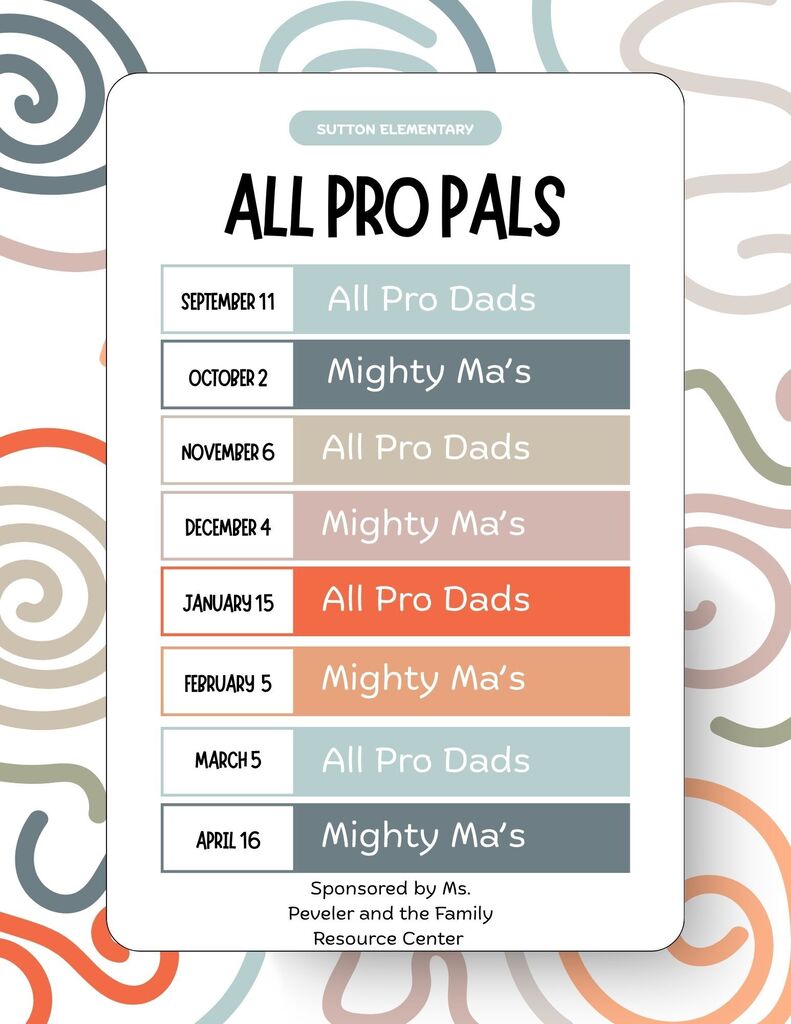
Every other month we will host either"All Pro Dad" or "Mighty Moms". We encourage students to either bring their fathers, grandfathers, uncles, brothers, or a positive male role model to All Pro Dad. Likewise, we encourage students to invite their mothers, grandmothers, aunts, sisters, or a positive female role model to Mighty Moms. During these meetings we provide a light breakfast and spend time diving into character topics such as problem solving, creativity, integrity, service, and more! We hope you will join us! As always, our meetings are open to everyone!
The first meeting is All Pro Dads THIS Friday at 7:15 in the gym - we cannot wait to see you!
about 2 months ago, Sutton Elementary
Don't forget tomorrow we will be celebrating High Attendance Day so we are encouraging students and staff to wear their favorite jersey or spirit wear! The cafeteria will be serving chocolate glazed donuts for breakfast as well!
about 2 months ago, Hannah Jo Peveler (Family Resource Coordinator)
🍁 Please, join us for a fun family evening! 🍁
about 2 months ago, Sutton Elementary
REMINDER: Owensboro Basketball Association (OBA) - Developmental Basketball League Registration Closes Soon!
Who : 2nd/3rd Grade (fundamentals, fun, learning the game & non-competitive games during practice. NO Saturday games)
4th/5th Grade (fundamentals, fun & competitive games each Saturday)
When : Practices start week of 10/5 for both grade divisions & 4th/5th grade games start 10/24, with final day of games on 12/19. (NO games on Thanksgiving weekend!)
Cost : 2nd/3rd Grade = $20 4th/5th Grade = $35 (Registration Fee MUST be paid at time of registration OR will be voided.)
IF a family has multiple students participating, then the registration form has to be completed for EACH student!
Registration Link:
https://forms.gle/QfqTvhh3RKYuDcRH8about 2 months ago, Owensboro Public Schools